🚚 Free Worldwide Shipping on All Orders!Shop Now
New Dell OEM Latitude 5480 Palmrest Touchpad Assembly Dual Point No SC NT1F3
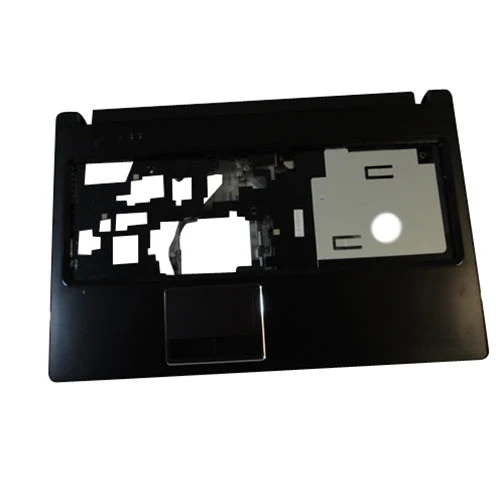
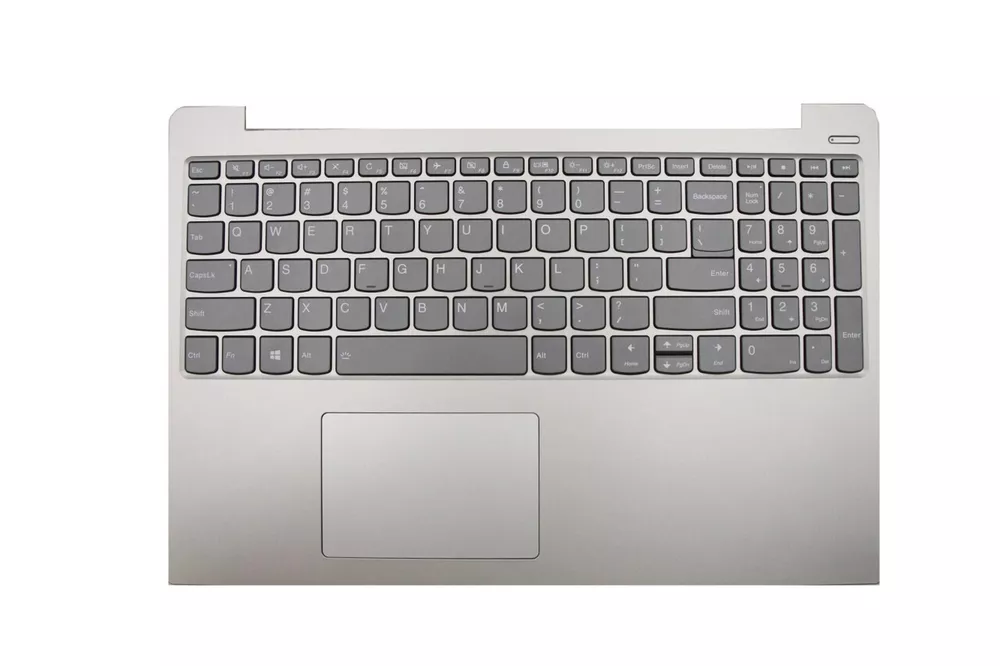
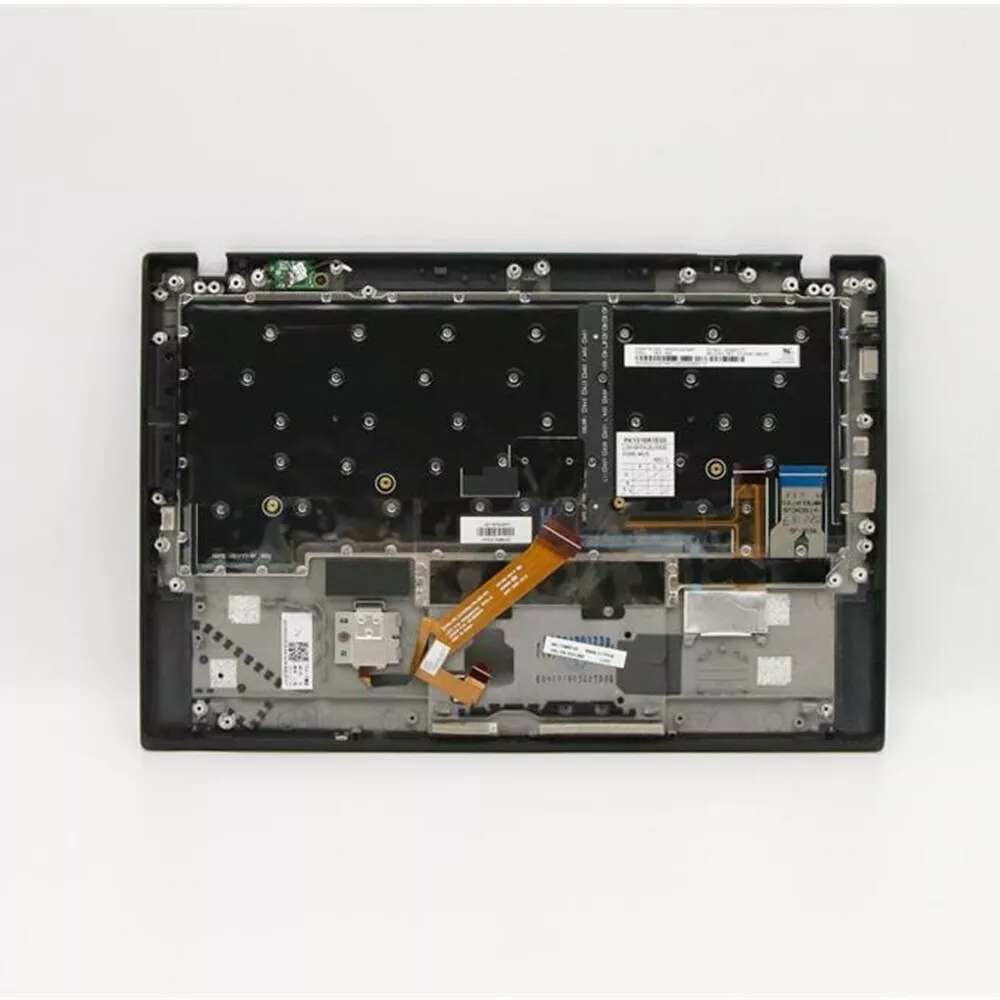
Dell Latitude 5480 Dual Point Palmrest Touchpad Assembly. Includes the Touchpad module. This is a dual point palmrest, for systems with the center stick mouse and two sets of mouse buttons.
Guaranteed Compatible Dell Laptops:
Latitude 5480 without Smart Card Reader
Dell PN: NT1F3
Includes:
Touchpad: T68VF
Mouse Buttons: A169B1
Status LED Lights board: CDM70, LS-E081P
NOTE: This palmrest does NOT include Smart Card reader; this palmrest does NOT support a Smart Card Reader.
This is compatible replacement for systems with the Dual Pointing keyboard setup. Dual Pointing includes two sets of mouse buttons- one above and below the touchpad; as well as a center stick mouse pointer on the keyboard.
Guaranteed Compatible Dell Laptops:
Latitude 5480 without Smart Card Reader
Dell PN: NT1F3
Includes:
Touchpad: T68VF
Mouse Buttons: A169B1
Status LED Lights board: CDM70, LS-E081P
NOTE: This palmrest does NOT include Smart Card reader; this palmrest does NOT support a Smart Card Reader.
This is compatible replacement for systems with the Dual Pointing keyboard setup. Dual Pointing includes two sets of mouse buttons- one above and below the touchpad; as well as a center stick mouse pointer on the keyboard.
Product Information
Product Information
Shipping & Returns
Shipping & Returns

New Dell OEM Latitude 5480 Palmrest Touchpad Assembly Dual Point No SC NT1F3
New Dell OEM Latitude 5480 Palmrest Touchpad Assembly Dual Point No SC NT1F3
Dell Latitude 5480 Dual Point Palmrest Touchpad Assembly. Includes the Touchpad module. This is a dual point palmrest, for systems with the center stick mouse and two sets of mouse buttons.
Guaranteed Compatible Dell Laptops:
Latitude 5480 without Smart Card Reader
Dell PN: NT1F3
Includes:
Touchpad: T68VF
Mouse Buttons: A169B1
Status LED Lights board: CDM70, LS-E081P
NOTE: This palmrest does NOT include Smart Card reader; this palmrest does NOT support a Smart Card Reader.
This is compatible replacement for systems with the Dual Pointing keyboard setup. Dual Pointing includes two sets of mouse buttons- one above and below the touchpad; as well as a center stick mouse pointer on the keyboard.
Guaranteed Compatible Dell Laptops:
Latitude 5480 without Smart Card Reader
Dell PN: NT1F3
Includes:
Touchpad: T68VF
Mouse Buttons: A169B1
Status LED Lights board: CDM70, LS-E081P
NOTE: This palmrest does NOT include Smart Card reader; this palmrest does NOT support a Smart Card Reader.
This is compatible replacement for systems with the Dual Pointing keyboard setup. Dual Pointing includes two sets of mouse buttons- one above and below the touchpad; as well as a center stick mouse pointer on the keyboard.
$13.76
Original: $45.87
-70%New Dell OEM Latitude 5480 Palmrest Touchpad Assembly Dual Point No SC NT1F3—
$45.87
$13.76Product Information
Product Information
Shipping & Returns
Shipping & Returns
Description
Dell Latitude 5480 Dual Point Palmrest Touchpad Assembly. Includes the Touchpad module. This is a dual point palmrest, for systems with the center stick mouse and two sets of mouse buttons.
Guaranteed Compatible Dell Laptops:
Latitude 5480 without Smart Card Reader
Dell PN: NT1F3
Includes:
Touchpad: T68VF
Mouse Buttons: A169B1
Status LED Lights board: CDM70, LS-E081P
NOTE: This palmrest does NOT include Smart Card reader; this palmrest does NOT support a Smart Card Reader.
This is compatible replacement for systems with the Dual Pointing keyboard setup. Dual Pointing includes two sets of mouse buttons- one above and below the touchpad; as well as a center stick mouse pointer on the keyboard.
Guaranteed Compatible Dell Laptops:
Latitude 5480 without Smart Card Reader
Dell PN: NT1F3
Includes:
Touchpad: T68VF
Mouse Buttons: A169B1
Status LED Lights board: CDM70, LS-E081P
NOTE: This palmrest does NOT include Smart Card reader; this palmrest does NOT support a Smart Card Reader.
This is compatible replacement for systems with the Dual Pointing keyboard setup. Dual Pointing includes two sets of mouse buttons- one above and below the touchpad; as well as a center stick mouse pointer on the keyboard.